
Introduction
Managing user profiles on a Nintendo Switch is essential for keeping your gaming experience personalized and clutter-free. As your gaming preferences or household dynamics evolve, you might need to delete a Nintendo Switch profile. Whether it’s to remove an unused account, protect your privacy, or prepare your console for sale, this guide will help you do it safely and efficiently.
Understanding Nintendo Switch Profiles
What is a Nintendo Switch Profile?
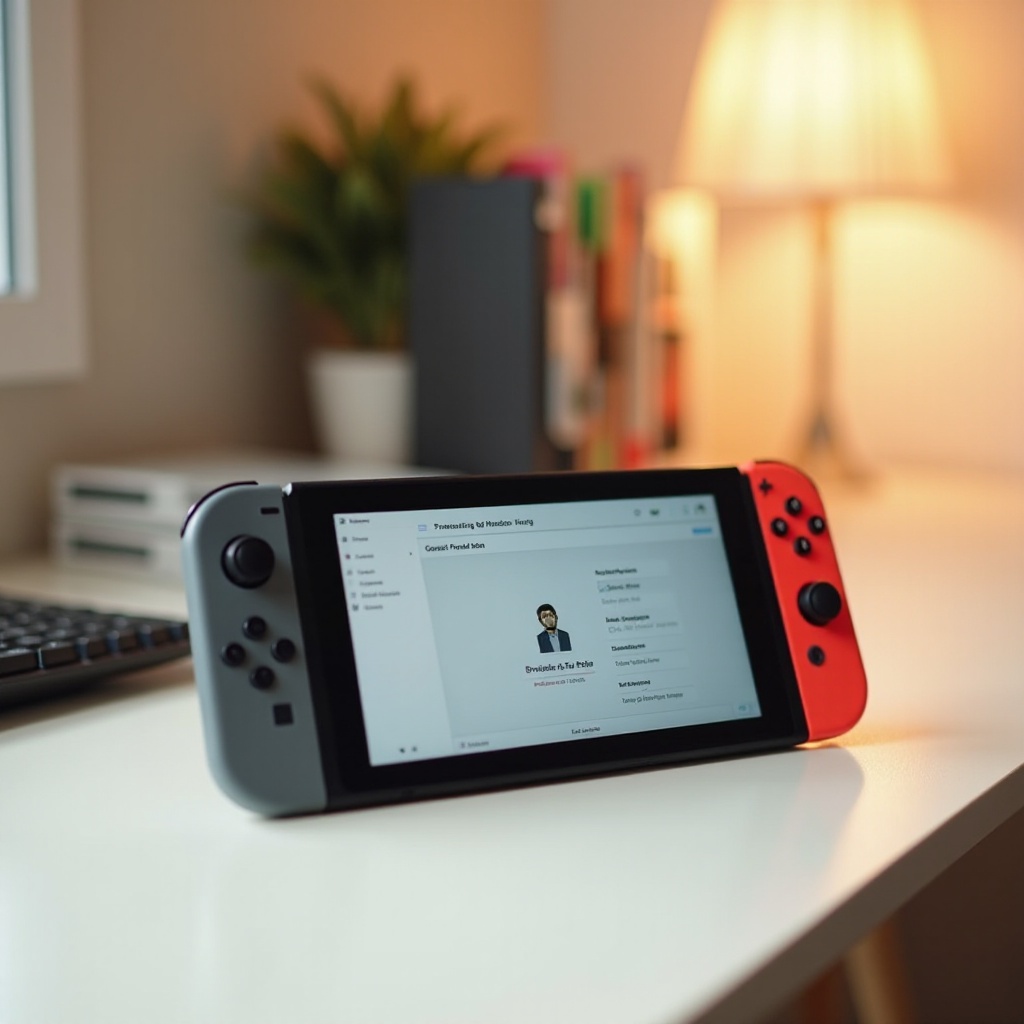
A Nintendo Switch profile acts as a personal gaming account on your console. Each profile stores game progress, user preferences, and individual settings to provide a unique experience for each user.
Why Profiles are Important
Profiles are crucial because they tailor the gaming environment to each user, preserving game progress and preferences. This customization helps ensure that everyone gets a personalized gaming experience.
How Profiles Affect Your Gaming Experience
Multiple profiles allow users to switch between different saved games and settings, making it easier to accommodate various players in a household. Properly managing these profiles eliminates confusion and maintains a seamless gaming experience.
Reasons to Delete a Nintendo Switch Profile
Deleting a profile can optimize your console’s performance and enhance security.
Privacy Concerns
If you’re concerned about unauthorized access to your information, removing a profile helps maintain your privacy, especially when multiple users share the console.
Removing Inactive Users
Inactive profiles can clutter your system, affecting performance. Regularly eliminating these unused profiles keeps your console organized and efficient.
Selling or Transferring Your Console
Deleting profiles is crucial when handing over your console to a new owner, ensuring your personal data and game history aren’t accessible to others.
Preparing for Profile Deletion
Before you delete a profile, take some precautionary measures to ensure no vital data is lost.
Backing Up Saved Data
Backing up your saved data is essential. Use the Nintendo Switch Online service to secure game saves in the cloud, making them recoverable if needed.
Transferring Data to Another Profile
To keep using game data, transfer it to another active profile. Navigate to System Settings and use Data Management for smooth transitions.
Cloud Save Data Management
Regularly synchronize your games with cloud storage. This practice ensures your progress is up-to-date and provides fallback options if profiles change.
Step-by-Step Guide to Deleting a Profile
Here’s a detailed guide to help you navigate profile deletion successfully.
- Access System Settings: From the Home menu, select ‘System Settings.
- Navigate to User Settings: Scroll to ‘Users’ in the side menu and choose the profile intended for deletion.
- Complete the Deletion Process: Click on ‘Delete User’ and follow the on-screen prompts. Confirming will permanently remove the profile and all related data unless previously backed up.
What Happens After Deleting a Profile?
Deleting a profile has certain implications, of which you should be aware.
Impact on Game Saves and Data
Profile deletion removes associated game saves and settings. Ensuring all critical data is backed up before proceeding can mitigate this loss.
Effects on Linked Accounts
Deleting a user profile detaches linked Nintendo Accounts, potentially affecting digital purchases and services. Plan for re-linking as necessary to maintain content access.
Restoring Profiles if Needed
Although profiles can’t be restored once deleted, having cloud backups or transferred data aids in recovering most information on a new profile setup.
Tips for Effective Profile Management
Efficient profile management maximizes your console’s performance.
Regular Profile Audits
Perform regular checks to remove outdated profiles. Keeping your system lean supports better functionality.
Managing Multiple Users
Organize profiles by user priority. Proper labeling and efficient management simplify access and enhance your gaming setup.
Utilizing Parental Controls
Parental controls safeguard profiles and offer security, especially where children play. Use these tools to prevent unauthorized deletions and ensure a secure gaming environment.
Conclusion
Efficient profile management on the Nintendo Switch safeguards data and personalizes the gaming experience. By following the outlined steps, you can confidently delete unwanted profiles without losing valuable data. Keeping your console organized will help maintain a smooth and customizable experience for all users.
Frequently Asked Questions
Can I recover a deleted profile on Nintendo Switch?
Once deleted, a profile cannot be restored. Cloud backups or transferred saves may help in recovering some data on a new profile.
Does deleting a profile remove all saved data?
Yes, deleting a profile removes all locally saved data linked to it. Back up your data to the cloud to retain your progress.
How do I transfer a profile to a new Switch console?
Use the ‘Transfer Your User’ option in System Settings from both consoles to securely move your profile data to the new device.