
Introduction
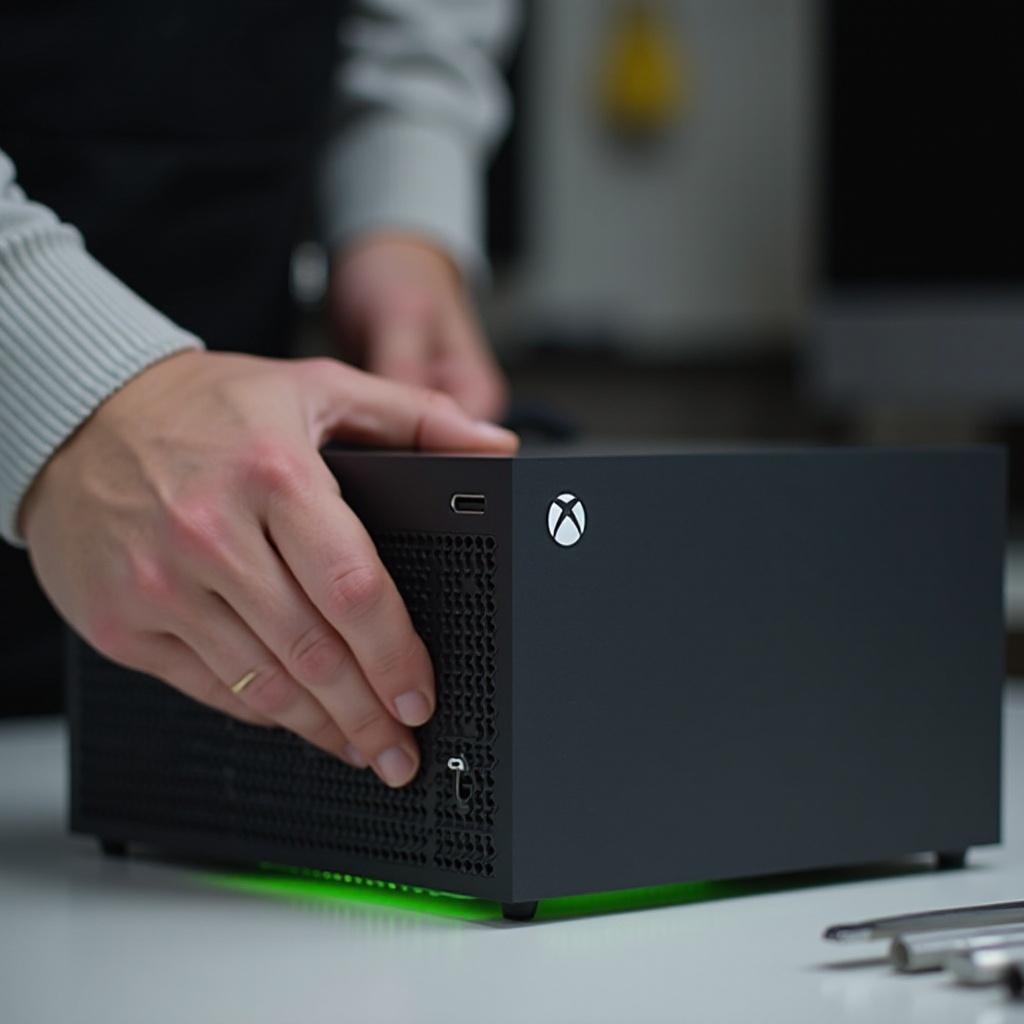
The HDMI port is a crucial link between your Xbox Series X and your display, facilitating the visual experience that makes gaming truly immersive. When this port is compromised, it can disrupt your entire gaming session. This guide aims to equip you with the necessary steps to replace the HDMI port on your Xbox Series X, restoring optimal functionality to your console.
Understanding the Xbox Series X HDMI Port
The HDMI 2.1 port on the Xbox Series X offers outstanding video quality, supporting up to 120Hz refresh rates at 4K, with an even higher resolution of 8K for future-proofing. Such capabilities are essential for a flawless gaming experience, emphasizing the importance of maintaining your HDMI port in peak condition.
Common Signs Your HDMI Port Needs Replacement
If you are experiencing any of the following issues, it might be time to replace your HDMI port:
- There is no signal on your display, indicating a failure to connect.
- The video feed suffers from intermittent connectivity, with flickering screens or unexpected blackouts.
- The physical port shows visible damage, which could be the root of your connectivity problems.
- The console isn’t displaying the resolution quality it once did, affecting the overall visual output.
Detecting these signs early can help in resolving HDMI port issues before they escalate.
Tools and Materials Needed for Replacement
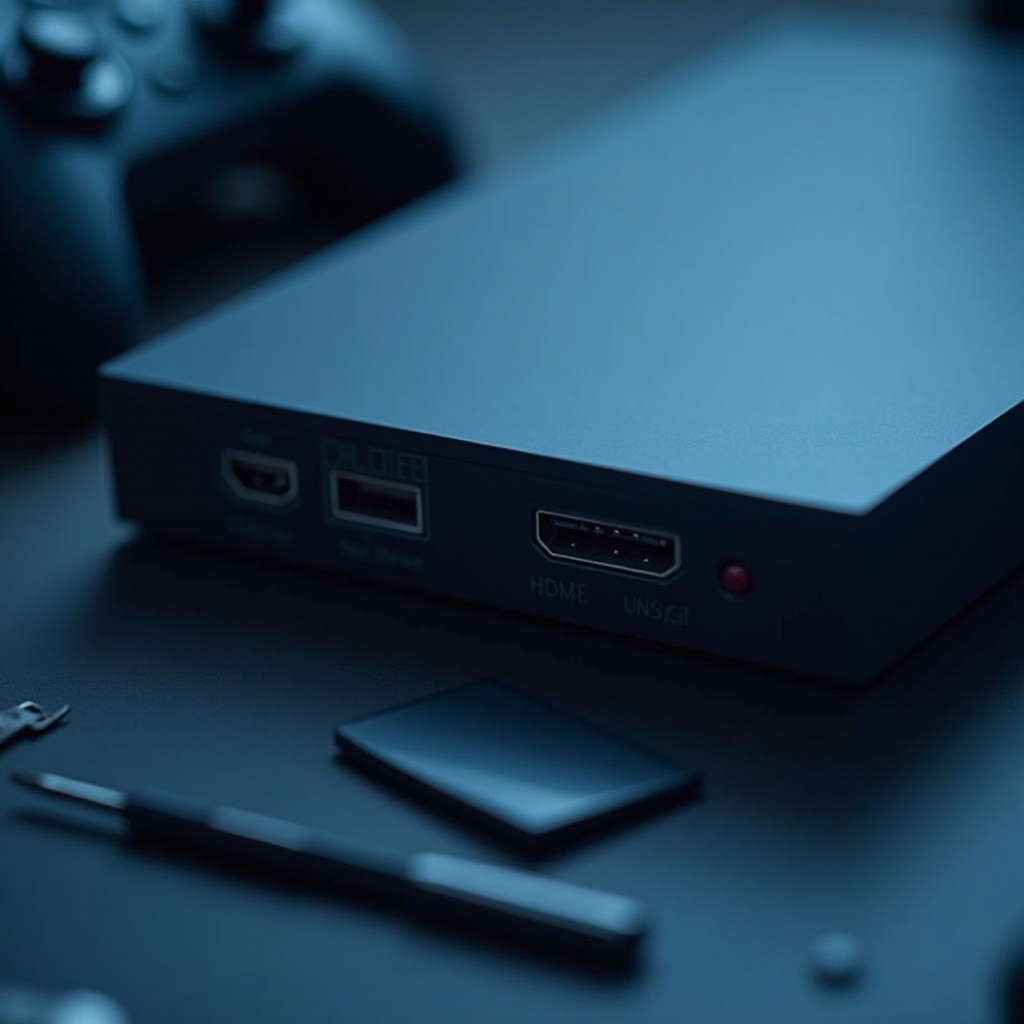
Proper preparation is key to a smooth HDMI port replacement. Assemble these tools and materials:
- A Phillips screwdriver for disassembly
- A soldering iron and solder to secure the new port
- Desoldering braid or pump for removing old solder
- A replacement HDMI port compatible with your Xbox Series X
- Heat-resistant gloves for safety
- An anti-static wrist strap to prevent electrostatic discharge
Taking the time to gather these tools will ensure you’re ready to address the issue without interruption.
Step-by-Step Guide to Replacing the HDMI Port
Replacing the HDMI port is a precise task. Follow these steps:
-
Prepare Your Xbox Series X: Power down your device and unplug all cables. Lay it on a clean, stable surface.
-
Disassemble the Console: Use the Phillips screwdriver to remove screws and gently open the case. Locate the motherboard and identify the HDMI port.
-
Remove the Old HDMI Port: With the soldering iron, carefully remove the solder holding the old port. Use the pump or braid to clear away excess solder.
-
Install the New HDMI Port: Position the new port in alignment with the motherboard connections. Solder it in place, ensuring each pin is correctly secured.
-
Reassemble the Console: Put the console back together by securing the case and tightening all screws.
Follow these steps diligently to ensure the console is restored to its intended functionality.
Safety Precautions and Warranty Considerations
While replacing the HDMI port, safety should be your top priority:
- Always wear heat-resistant gloves when operating a soldering iron.
- Use an anti-static wrist strap to protect the console’s electronic components.
- Be aware that opening and repairing your Xbox Series X could void the manufacturer’s warranty. Weigh the benefits of a DIY repair against professional service options.
Considering these factors will help you make an informed decision about undertaking this repair.
Testing and Troubleshooting After Replacement
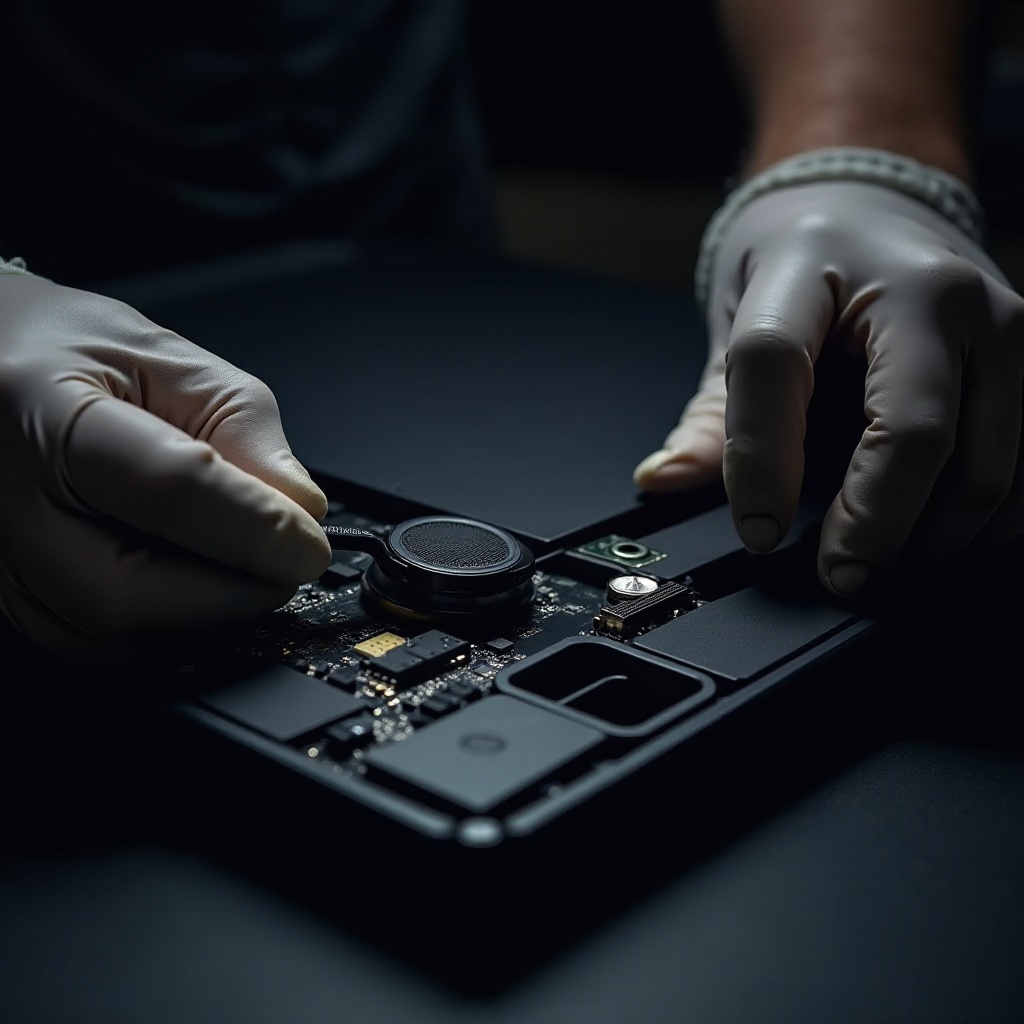
After reassembly, test the HDMI port to confirm it’s functioning correctly:
- Connect the Xbox Series X to a display with an HDMI cable and power it on.
- Verify that the display receives a clear signal and check that image quality meets expected standards.
If problems persist, inspect the solder connections and alignment of the HDMI port.
Conclusion
Replacing an HDMI port requires attention to detail and careful handling of components. When correctly performed, it restores the Xbox Series X to its full gaming glory, allowing you to enjoy your games with the visual fidelity they were designed to deliver. However, should the task feel daunting, opting for professional assistance is always a sound choice.
Frequently Asked Questions
Can I replace the HDMI port on my Xbox Series X myself?
Yes, it’s possible with the right skills and tools, but consider professional repair if unsure.
How long does it take to replace the HDMI port?
The repair process typically takes 1-2 hours, depending on technical proficiency.
Will replacing the HDMI port void my warranty?
Yes, modifying the console often voids any manufacturer’s warranty.