
Introduction
Unlocking the full potential of your Wii console starts with properly programming your Wii remote. Whether you are a veteran gamer or a newcomer, understanding how to connect your Wii remote is essential. This comprehensive guide will take you step-by-step through the process, ensuring a seamless gaming experience. Along with setup instructions, we’ll also dive into troubleshooting tips to address any issues that may arise, enhancing your overall enjoyment.
Understanding the Wii Remote and Wii Console
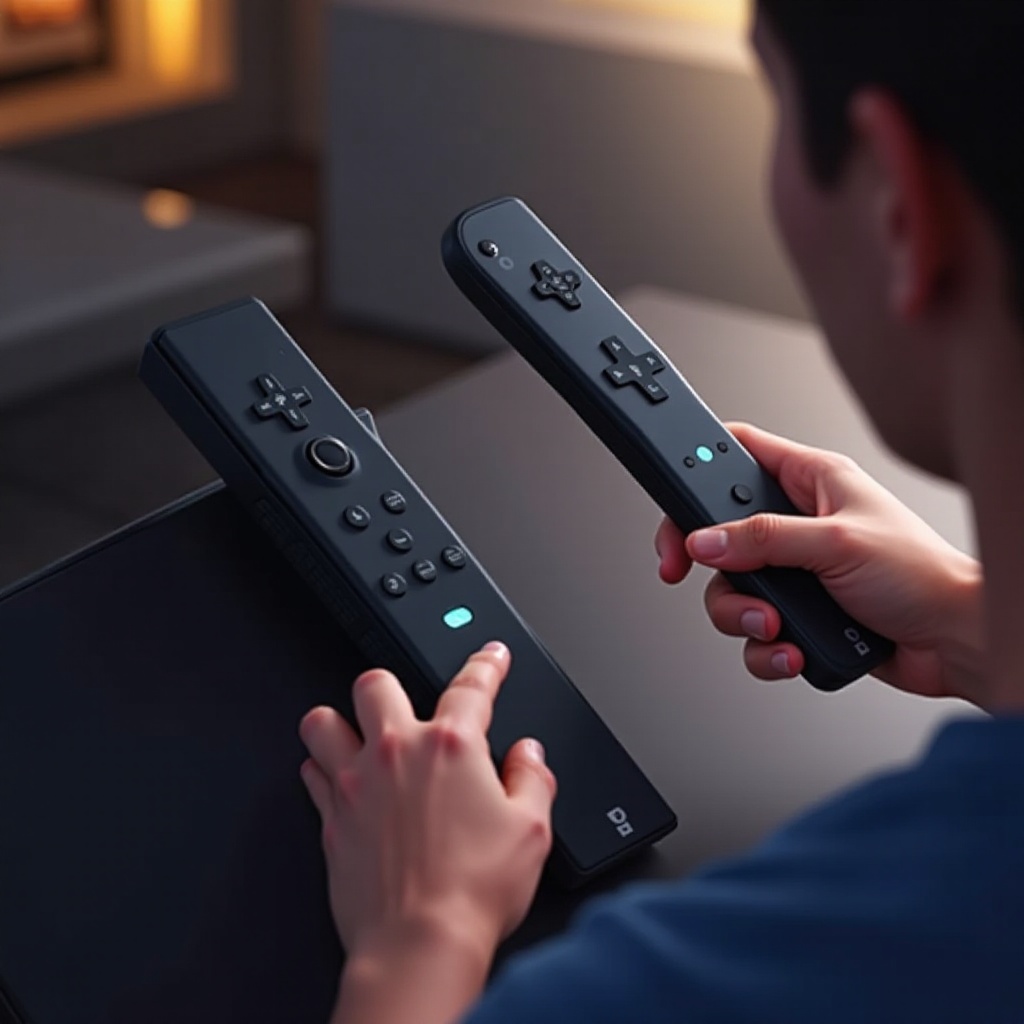
Before setting up your Wii remote, it’s vital to understand its components alongside the Wii console. The Wii remote, or Wiimote, is a revolutionary device, offering motion-sensing capabilities that enrich gameplay. The console serves as your gaming hub, linking with your TV to run various games. Ensuring your remote has fresh batteries and confirming the console’s secure connection to your television are the initial steps in this process.
Preparing Your Console and Remote for Programming
A few preparations will pave the way for smooth programming. Here’s what you need to do:
1. Check the Batteries: Start by inserting fresh batteries into the Wii remote to avoid hiccups during setup.
2. Power Up Your Console: Make certain the Wii console is powered and connected to your TV.
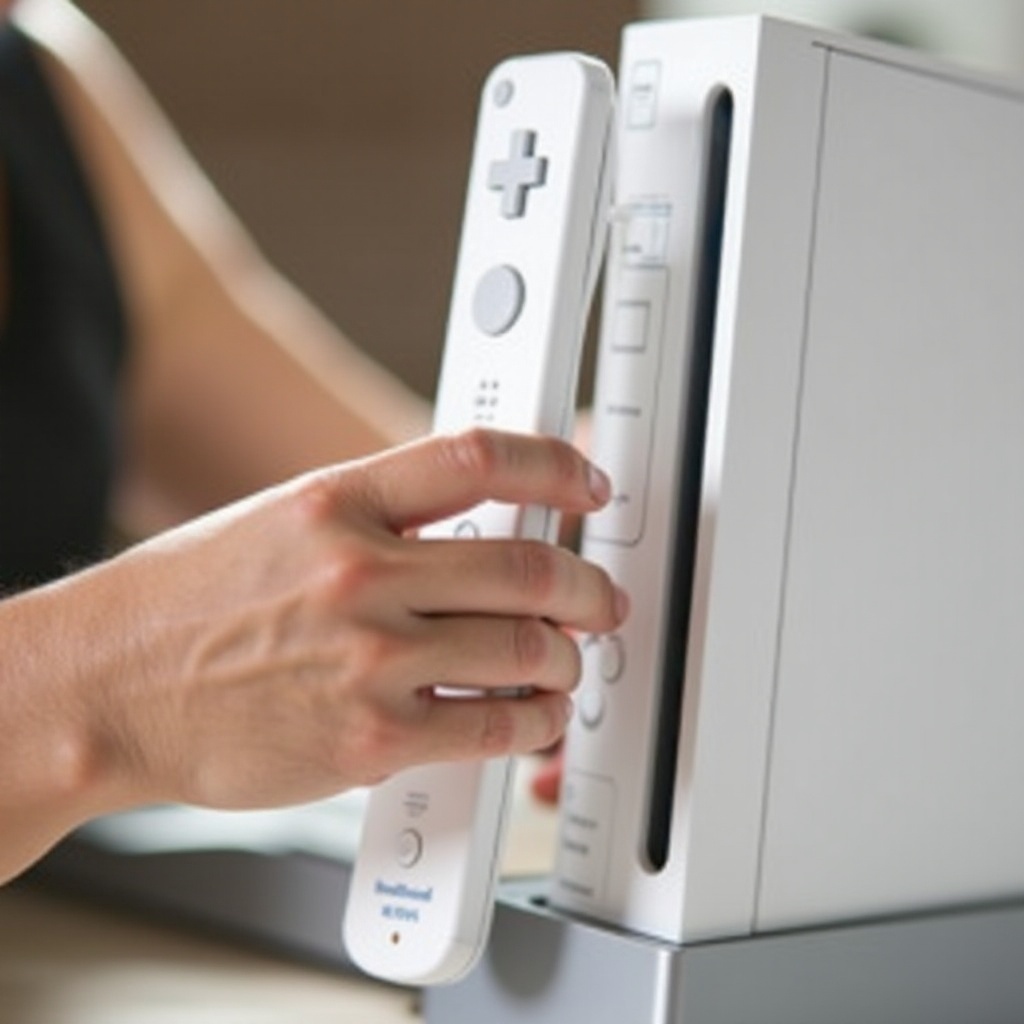
3. Locate the Sync Buttons: Find the red Sync button beneath the SD Card slot cover on the console and inside the remote’s battery compartment.
Completing these steps lays the groundwork for programming your Wii remote effectively.
Step-by-Step Guide to Syncing Your Wii Remote
Follow these detailed steps to ensure a proper connection between your Wii remote and console:
- Initial Setup Steps:
- Switch on your Wii console and wait for the main menu.
-
Open the Wii remote’s battery compartment.
-
Syncing Process:
- Press the red Sync button inside the battery compartment.
-
Swiftly press the Sync button on the console. The remote’s lights will begin blinking.
-
Verifying Connection:
- Await the cessation of blinking; a steady light indicates successful syncing.
- Navigate the Wii menu to confirm the connection.
Having followed these instructions, your Wii remote should be paired and ready for play.
Troubleshooting Common Connectivity Issues
Even after a successful setup, occasional connectivity issues can surface. Here’s how to tackle them:
- Addressing Syncing Failures:
- Remove and reinsert the batteries if syncing fails, then repeat the process.
-
Clear any obstructions between the remote and console.
-
Resolving Interference Problems:
- Keep potential interfering devices, such as microwaves, at a distance.
-
Position the console in an open space, away from metals and thick walls.
-
Advanced Troubleshooting Tactics:
- Reset the Wii console by unplugging it briefly.
- Check for and install available console software updates.
By applying these methods, you can fix most connectivity problems and keep your gaming uninterrupted.
Tips for Optimal Wii Remote Performance
To maximize the Wii remote’s effectiveness, consider these recommendations:
– Maintain Cleanliness: Regular cleaning prevents button jams and maintains sensitivity.
– Battery Care: Use quality batteries and remove them during extended non-use periods.
– Accessories: Protect your remote with a silicone sleeve for better grip and impact protection.
Implementing these tips will ensure your Wii remote remains efficient and durable.
Conclusion
Programming your Wii remote to the console is straightforward when you follow the right steps. This guide has equipped you with everything from syncing to troubleshooting, ensuring your remote is always ready for action. By maintaining your equipment and understanding common issues, you maintain the integrity of your gaming system. Dive into your games with newfound confidence and enjoy all that your Wii has to offer.
Frequently Asked Questions
How do I reset my Wii Remote?
To reset, remove the batteries, wait, then reinsert them before re-syncing with the Wii console.
Can I use third-party remotes with the Wii console?
Yes, though performance may vary. Always check compatibility before buying.
What should I do if my Wii Remote still won’t connect?
Check for damage, test another remote, or contact Nintendo support for assistance.