
Introduction
Orbic phones offer an affordable option to users, blending functionality with style. Despite their benefits, users might encounter several issues like battery drainage or connectivity hiccups. Our guide provides practical solutions to these Orbic phone problems, ensuring a seamless user experience and optimal device performance. Dive in and learn how you can troubleshoot and resolve these challenges effectively.

Battery and Charging Problems
Battery concerns are on top of the list for most smartphone users, and Orbic users are no different. Rapid battery drain and charging issues can disrupt daily use.
- Rapid Battery Drain:
- Identify Culprits: Check which apps consume most power under settings.
-
Optimize Settings: Reduce screen brightness, and activate battery saver mode during low battery situations.
-
Charging Issues and Solutions:
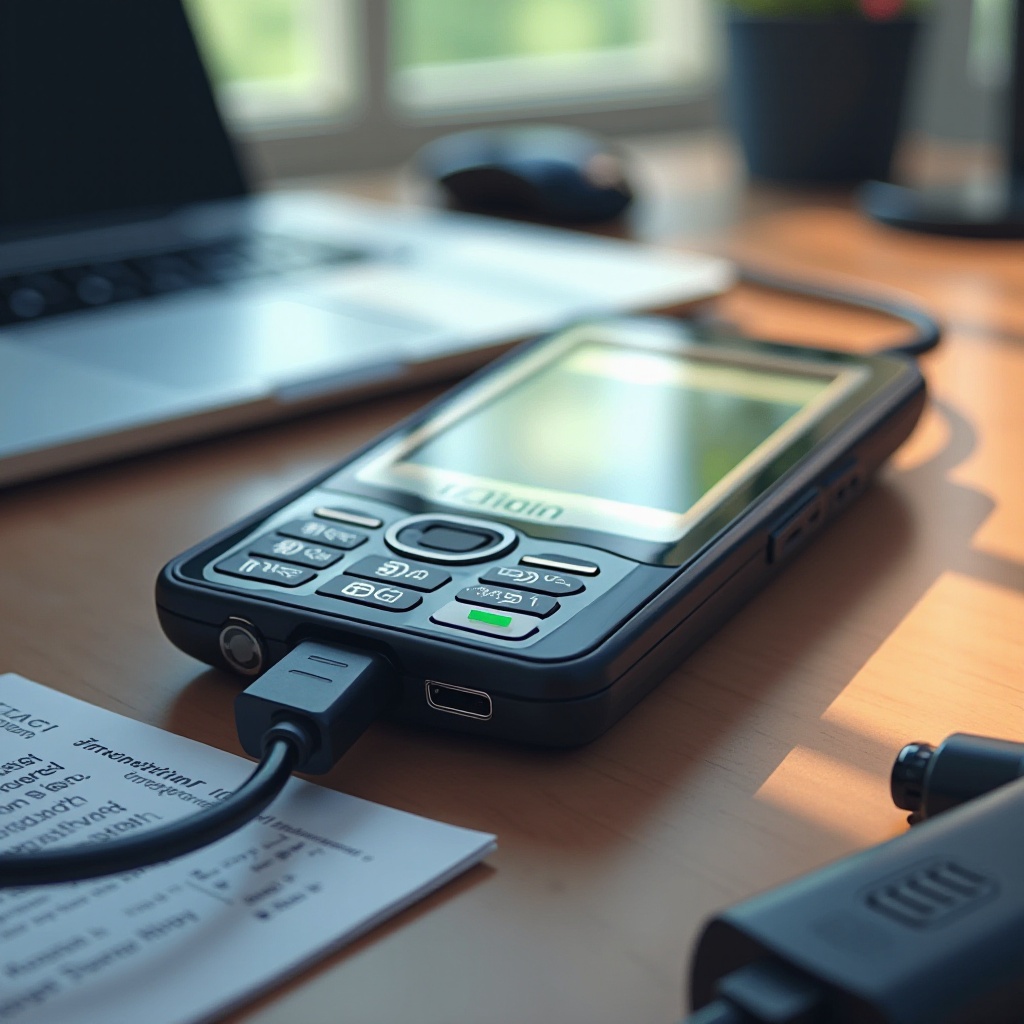
- Check the Charger and Cable: Inspect and replace if they are faulty.
- Clean the Charging Port: Use a small brush or compressed air to clear debris.
With the battery issues addressed, performance problems often come next. Tackling these ensures smoother device operation.
Performance and Software Glitches
Software problems can slow down your Orbic phone or, in severe cases, cause crashes. Understanding and resolving these can significantly enhance phone performance.
- Slow Performance Fixes:
- Update Software: Regularly updating your software can prevent slowdowns.
-
Clear Cache: Free up system resources by clearing app caches in settings.
-
Handling Freezing and Crashing:
- Check App Integrity: Uninstall incompatible apps that might cause issues.
- Perform a Soft Reset: Restart the phone to clear temporary system problems.
Moving on from performance issues, connectivity problems can disrupt your interaction with the device and other gadgets.
Connectivity Issues
Whether it’s difficulty connecting to Wi-Fi or pairing with Bluetooth, connectivity issues can be frustrating. Here are ways to iron out these problems.
- Wi-Fi Connectivity Fixes:
- Restart Your Router and Phone: A simple reset can restore the connection.
-
Forget and Re-Add Network: Refresh connection details by re-adding the network.
-
Bluetooth Pairing Solutions:
- Ensure Device Compatibility: Verify if other devices support Bluetooth and are in range.
- Clear Bluetooth Cache: Refresh Bluetooth memory by clearing cache in settings.
Next, we look into display and touchscreen issues, which are crucial for efficient device interaction.
Display and Touchscreen Problems
An effective display and responsive touchscreen are fundamental to any smartphone experience. Address display issues with these steps.
- Fixing Display Errors:
- Adjust Display Settings: Change brightness settings or reset adaptive display options.
-
Avoid Overheating: Prevent overheating, which can affect display quality.
-
Responding to Unresponsive Touchscreens:
- Remove Screen Protector: Check if the protector is affecting sensitivity.
- Restart the Device: Restarting often recalibrates the touchscreen.
With display issues resolved, let’s discuss sound and notification challenges that sometimes get overlooked.
Sound and Notification Challenges
While sound and notification might not seem critical, poor quality or interruptions can seriously affect usability.
- Resolving Sound Quality Issues:
- Check Volume Settings: Verify all ring, media, and notification volumes.
-
Examine External Speakers: Clean them of any dust or debris.
-
Managing Notification Problems:
- Customize Notification Preferences: Set which apps can send notifications, limiting unnecessary interruptions.
- Check Do Not Disturb Settings: Ensure it’s not preventing notifications.
After following these troubleshooting steps, your Orbic phone should be far better optimized for everyday use.
Conclusion
Addressing the prevalent Orbic phone problems outlined in this guide ensures a more efficient and enhanced user interaction. Regular maintenance and staying informed about software updates play an essential role in augmenting your mobile device experience. Keep your phone in top shape by implementing these fixes, extending its longevity and reliability.
Frequently Asked Questions
Why is my Orbic phone not charging even with a working charger?
Often, debris in the charging port or a faulty cable causes this issue. Cleaning the port and replacing the charger or cable usually resolves it.
How can I improve my Orbic phone’s battery life?
Reduce screen brightness, close idle apps, and enable battery saver mode to conserve battery.
What should I do if my Orbic phone keeps losing Wi-Fi connection?
Restart your router and phone; also, reset your network preferences to help restore a stable connection.