
Introduction
Black spots appearing on your phone screen can be frustrating and can hinder your interaction with your device. These unsightly blemishes can result from a variety of causes such as accidental drops, component malfunctions, or even software glitches. Addressing these black spots promptly is crucial to prevent further deterioration of your phone’s display and to avoid more costly repairs. In this guide, we’ll walk you through both simple DIY methods and the best times to seek professional help for fixing these screen issues.

Understanding Black Spots on Phone Screens
To effectively address black spots on your phone screen, it’s essential to understand their potential causes and characteristics.
- Causes of Black Spots
- Physical Damage: The most common reason for black spots is physical trauma, such as when your phone accidentally falls or gets bumped, damaging the screen.
- Component Failure: Over time, internal components of your phone’s display could degrade or fail, resulting in black spots.
-
Software Glitches: Occasionally, software-related issues might lead to pixel display problems, appearing as black spots.
-
Identifying Black Spots on Your Device
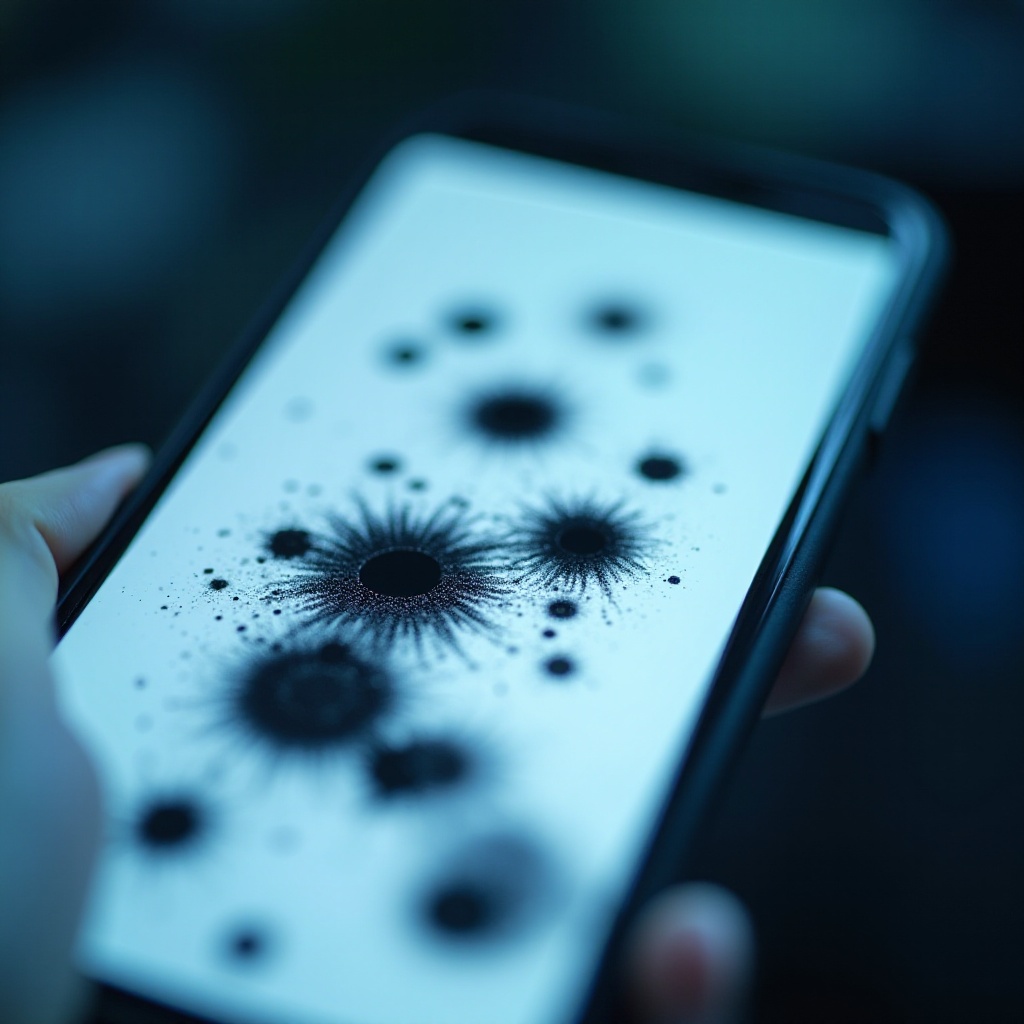
- Check your screen for areas darker than the rest, often resembling ink-like stains.
- Observe if these spots change under different pressures or viewing angles, which might indicate varying severity.
Understanding the root causes not only helps in choosing the appropriate fix but also aids in preventing future occurrences. Armed with this knowledge, we’ll explore basic troubleshooting steps you can undertake.
Preliminary Checks and Troubleshooting
Before diving into DIY fixes, perform these preliminary checks to identify if a quick solution is possible:
- Reboot Your Device
- A simple restart may fix minor glitches affecting your display temporarily.
- Check for Software Updates
- Ensure your operating system is current, as updates often include bug fixes addressing display problems.
- Perform a Soft Reset
- Execute a soft reset by holding the power and volume down buttons. This method may vary according to your device model.
These initial steps can resolve software-induced black spots. If these checks do not correct the issue, consider more hands-on solutions.
DIY Solutions for Fixing Black Spots
If preliminary methods are unsuccessful, try these Do-It-Yourself solutions to possibly alleviate black spots on the screen:
- Massage the Screen Carefully
- Use a soft cloth to gently massage the affected area, possibly redistributing the pixel liquid.
- Use a Pixel Repair App
- Download an app designed to fix stuck or dead pixels, which might help revive inactive areas of the screen.
- Adjusting Phone Settings for Improvement
- Increase your screen brightness and check display settings to try to mitigate the prominence of black spots.
While these home remedies can sometimes solve minor problems, they may fall short for more severe damage. If these solutions don’t yield satisfactory results, it may be time to escalate the repair process.
When to Seek Professional Repair Services
Professional intervention becomes necessary when DIY solutions don’t resolve the problems, especially when dealing with serious damages:
- Indicators for Professional Intervention
- Worsening spots or new occurrences indicate a deeper issue necessitating expert assessment.
- Choosing a Reliable Repair Shop
- Seek out highly-rated, certified technicians who specialize in phone screen repairs.
- Understanding Repair Costs
- Obtain estimates to determine cost-effectiveness relative to potentially replacing the device.
Opting for professional services can provide assurance of repair quality, particularly for complex issues beyond basic repairs.
Preventative Measures to Avoid Future Screen Damage
To keep your phone screen in optimal condition, adopt precautionary methods to prevent future damage:
- Use of Screen Protectors
- High-quality protectors can shield your screen from scratches and absorb impact.
- Investing in a Quality Phone Case
- Ensure your phone has sturdy protection against physical damage with a robust case.
- Avoiding Harmful Conditions
- Keep your phone out of extreme conditions and avoid placing it in high-risk environments like crowded bags or pockets.
Implementing these practices not only protects against future black spots but also prolongs your mobile device’s lifespan, ensuring you enjoy a clear display for longer.

Conclusion
Addressing black spots on your phone screen promptly is crucial for maintaining your device’s usability and visual appeal. By understanding the causes, attempting DIY fixes, and seeking professional help when necessary, you can keep your screen in top condition. Remember, taking early action can prevent minor issues from escalating into major hassles. Through proper care and preventive measures, you can protect your phone’s screen from damage and ensure a seamless user experience.
Frequently Asked Questions
Can black spots on a phone screen spread over time?
Yes, if the cause is physical damage or component failure, they may enlarge over time.
Are black spots covered under warranty?
Coverage depends on your warranty; manufacturer defects are often covered, but not physical damage.
Is it cheaper to repair or replace a phone with black spots on the screen?
Repair is typically cheaper, but severe damage might make replacement more cost-effective.